
MaxScale Management, Simplified
Maxinero connects to the MaxScale REST API to give you a clean web UI for managing DB servers, services, listeners, monitors, and users — across multiple MaxScale instances, all from one dashboard.
Get Started LoginMaxinero connects to the MaxScale REST API to give you a clean web UI for managing DB servers, services, listeners, monitors, and users — across multiple MaxScale instances, all from one dashboard.
Get Started LoginAdd, edit, and remove backend DB servers. Control server state (master, slave, maintenance, drain) with one click.
Manage routing services and monitors. Start, stop, create, and update — with live connection stats and listener management.
See active sessions, worker threads, and connection charts updated every minute from your MaxScale instance.
Manage MaxScale inet and unix users directly from the UI. Add and remove accounts without touching the command line.
Add as many MaxScale endpoints as you need and switch between them instantly from the top navigation — no re-login required.
A look at the interface across key areas of the application.
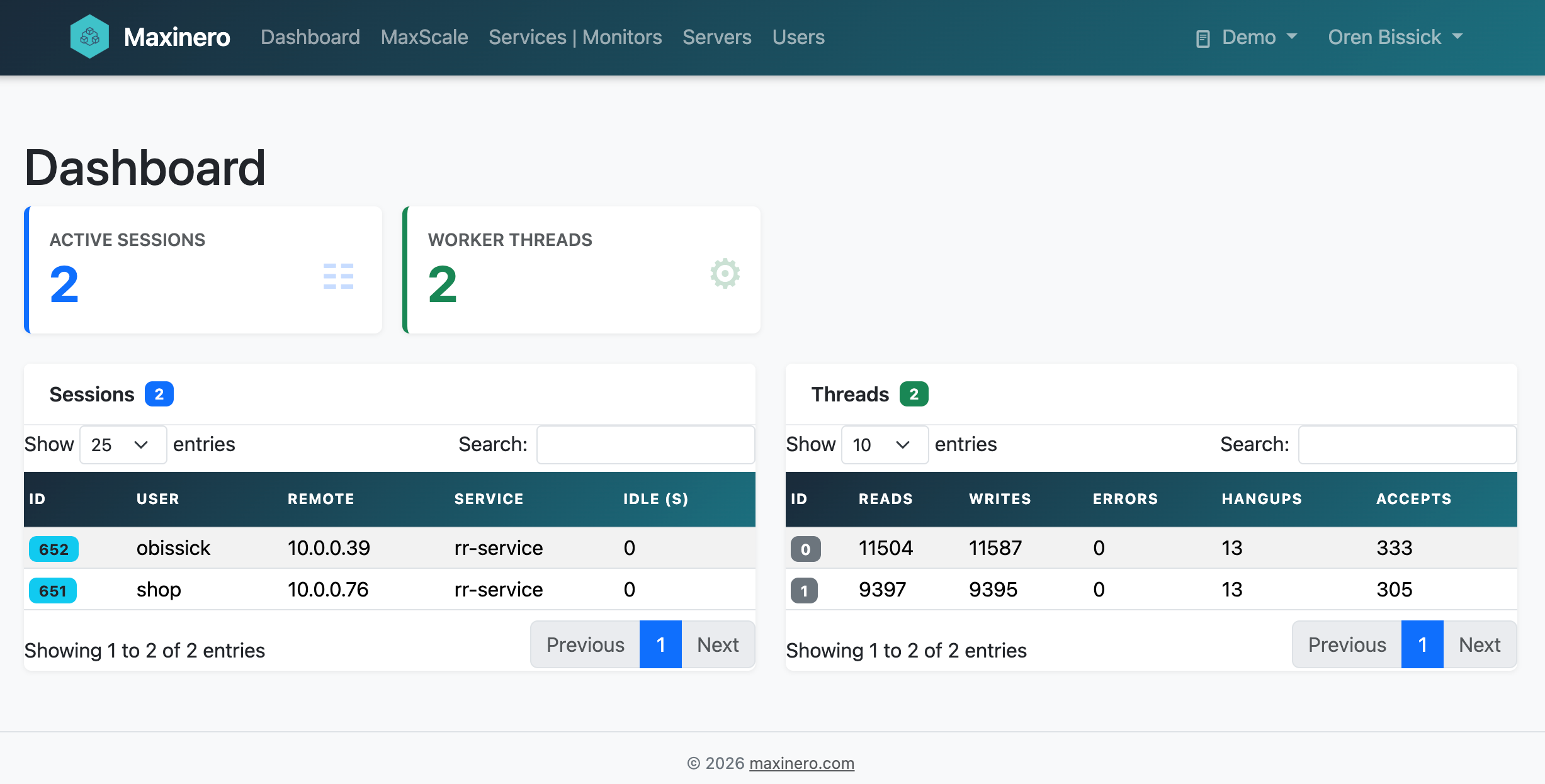
Dashboard — sessions & thread overview

DB Servers — state management & connection chart
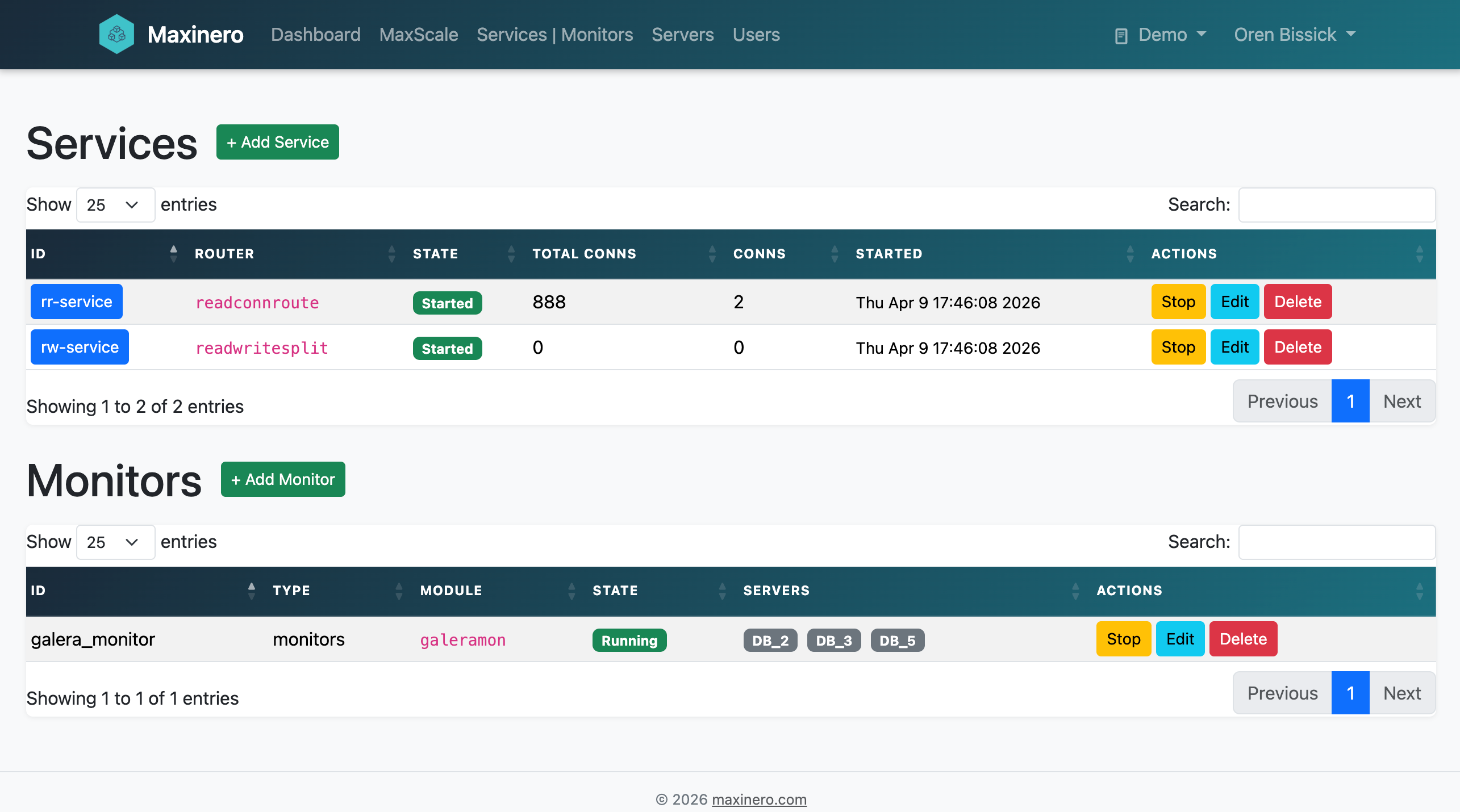
Services & Monitors — start/stop, edit, listeners
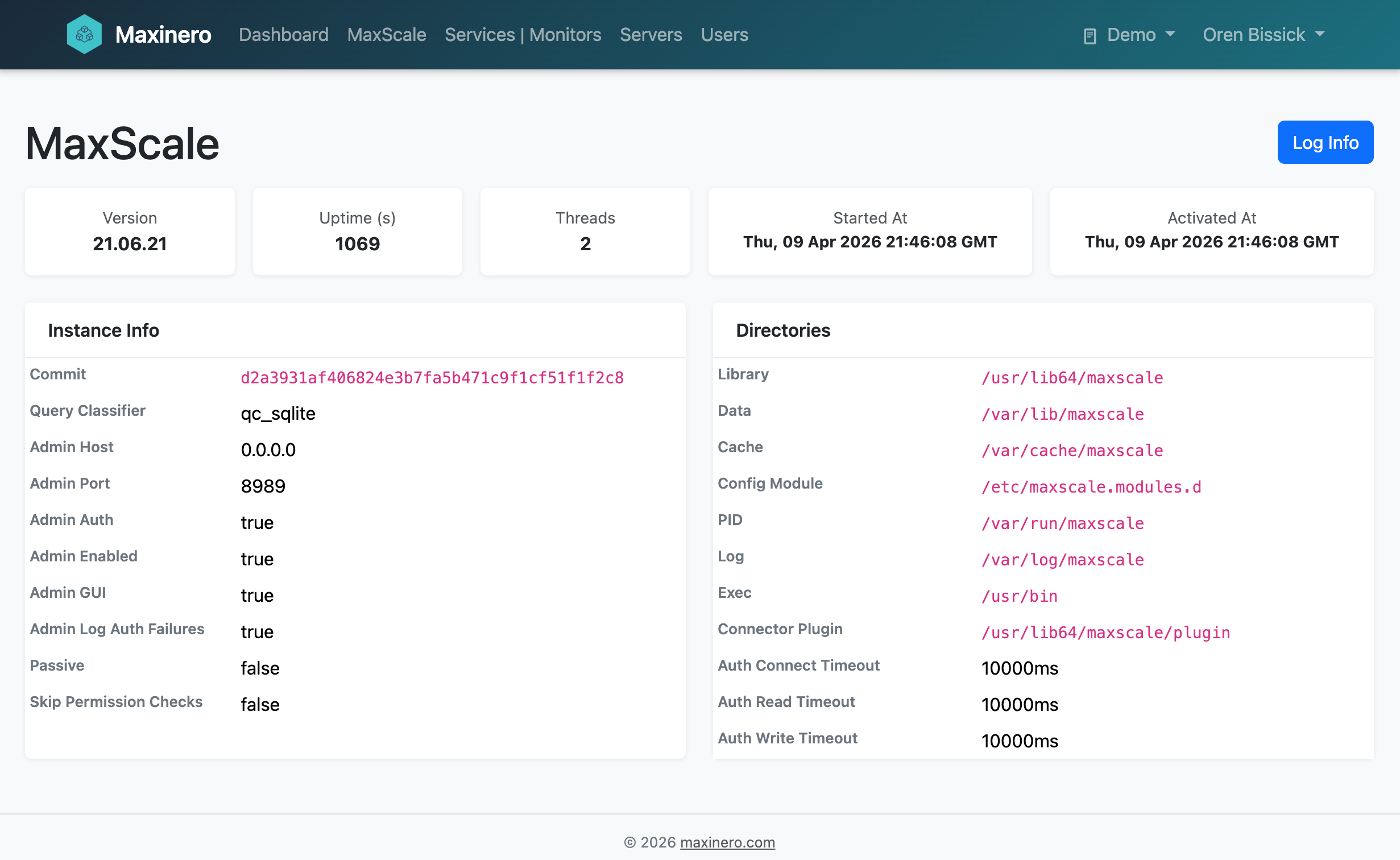
MaxScale info — version, parameters & directories
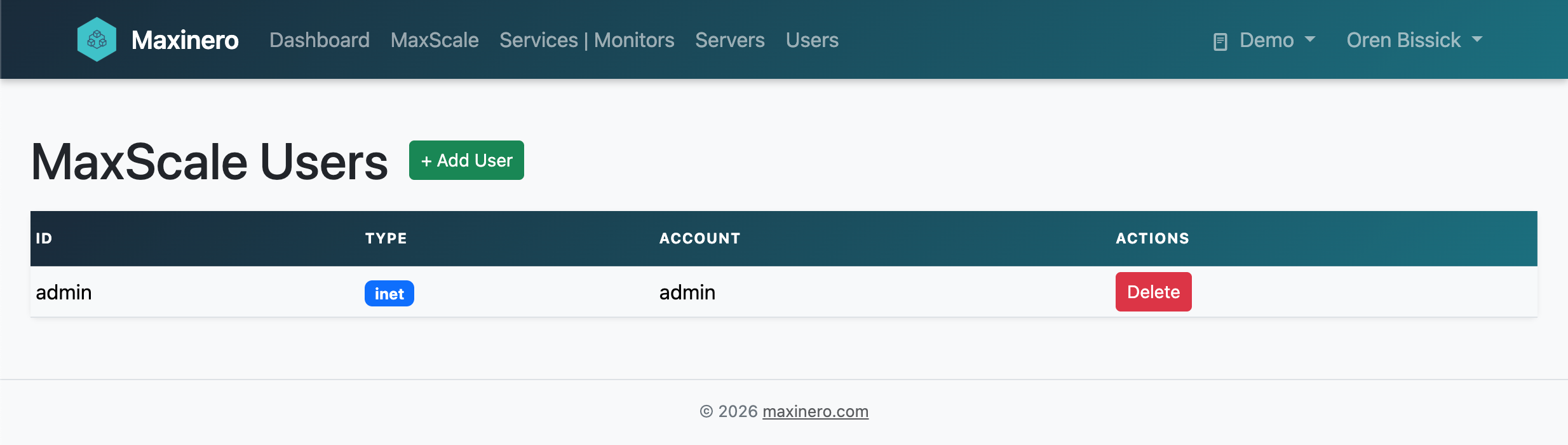
Users — inet & unix account management
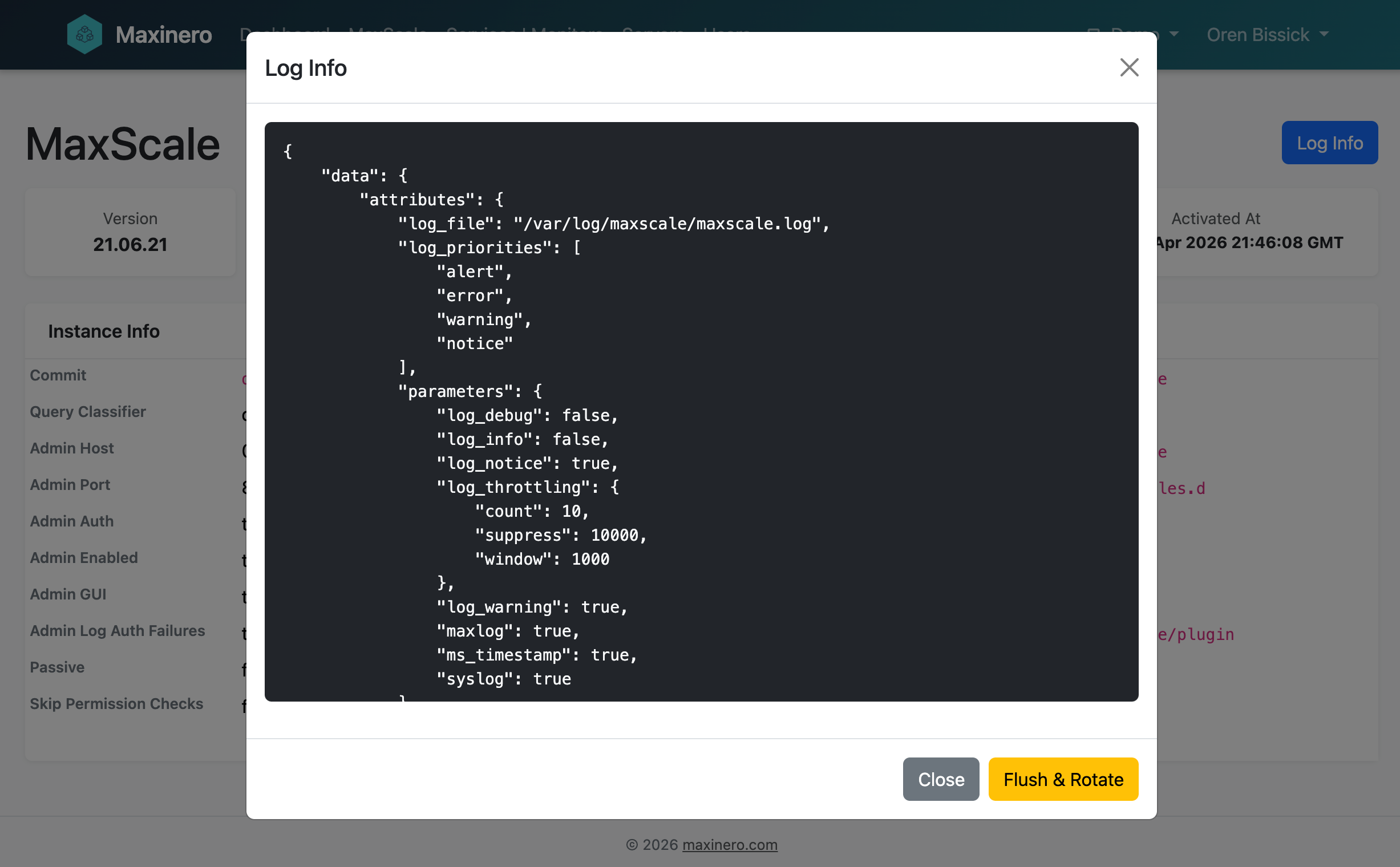
Log viewer — MaxScale log output in the browser